


One number. Multiple agents. Real automation. That's not the free app.
Most South African business owners think "WhatsApp Business" is one thing. It is actually three — a free phone app, a paid enterprise platform, and a halfway-house of "regular WhatsApp on a tablet." Mixing them up costs sales, lets messages go unanswered overnight, and quietly violates WhatsApp's own terms of service. This post breaks down the difference, the cost, and the moment a growing SA business should switch.
If you read our last post on why South Africans buy on WhatsApp and now you're trying to figure out how to actually run a business on it, this is the follow-up.
The three things people call "WhatsApp Business"
Confusingly, all three are WhatsApp products. They behave very differently.
1. WhatsApp Business App
The free app you download from the Play Store or App Store. It runs on one phone, ties to one number, and is built for sole proprietors, owner-operators, and small shops. It adds a business profile, catalogue, basic auto-replies, labels, and quick replies on top of regular WhatsApp.
2. WhatsApp Business Platform (also called "the API")
The paid enterprise product run by Meta. It does not have an app. Instead, businesses integrate it into a CRM, dashboard, or chatbot. It supports multiple agents on the same number, automation, AI agents, CRM integration, and high-volume messaging. This is what every WhatsApp-first business at scale uses — Yoco, Takealot Marketplace, Discovery, and so on.
3. Regular WhatsApp on multiple devices ("linked devices")
Not a business product at all. Regular WhatsApp lets you link up to 4 devices to the same number, so a receptionist can reply from a tablet while the owner uses their phone. Many SA businesses use this as a duct-tape workaround. It works, sort of. It also violates WhatsApp's terms of service when used for commercial automation and can get the number banned without warning.
Real case: a Cape Town accounting firm ran client messages off a shared WhatsApp number on a receptionist's tablet plus the partners' phones. WhatsApp suspended the number for "automated messaging" — they were using a third-party scheduling tool to send appointment reminders. They lost two years of client conversation history overnight.
The fast comparison
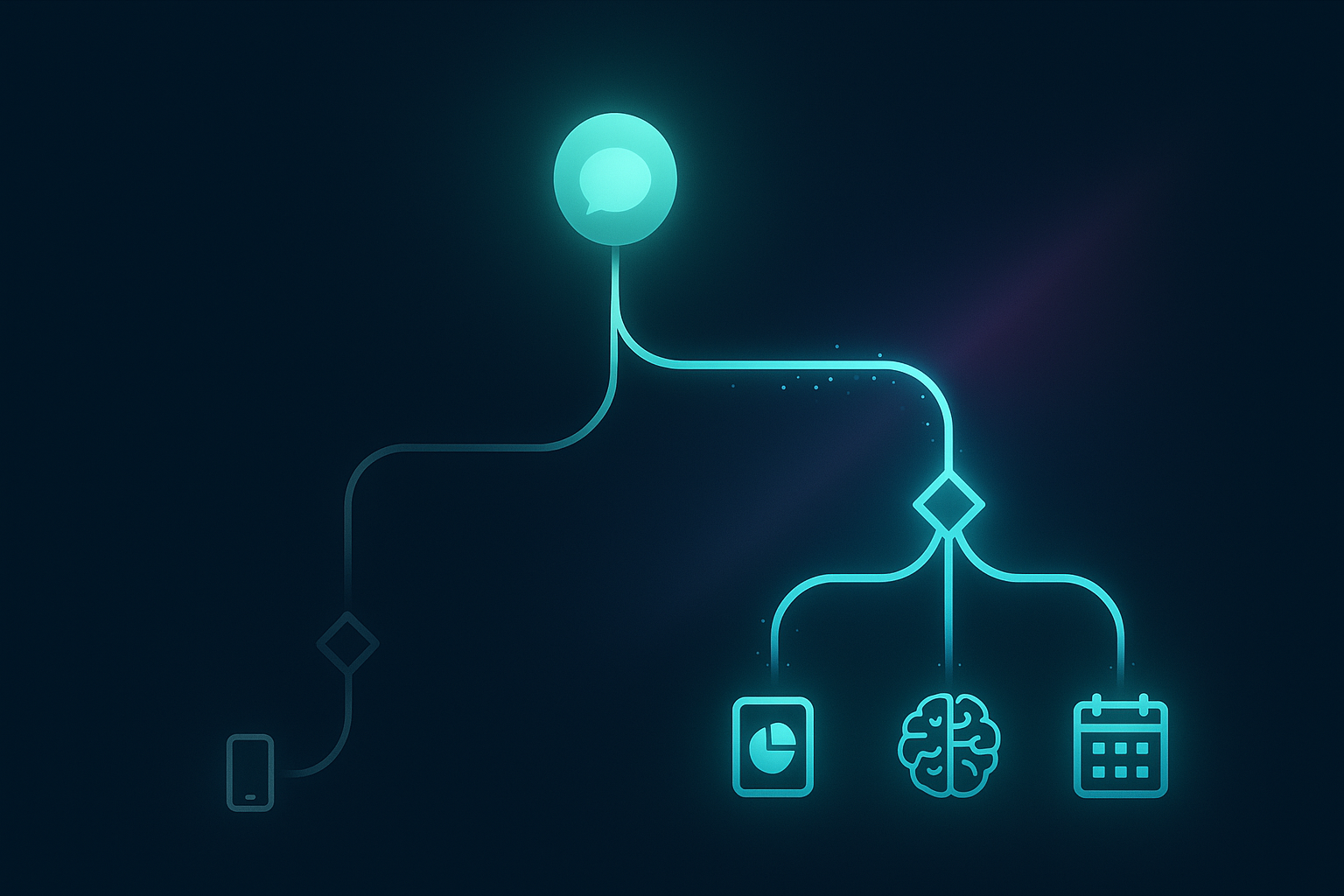
WhatsApp Business App
- Cost: Free
- Setup time: 5 minutes
- Best for: Solo owners, sole proprietors, side-businesses, shops with one person on the phone
- Limits: One phone, one agent, no real automation, no CRM integration, can be banned for bulk messaging, no AI assistant
- Ceiling: Typically breaks down at around 50–100 active conversations per day
WhatsApp Business Platform (API)
- Cost: Per-conversation pricing — roughly R0.20–R1.50 per conversation depending on type (utility, marketing, service). No monthly app fee from Meta.
- Setup time: 1–4 weeks (number registration, business verification, CRM build)
- Best for: Any business with more than one person on the WhatsApp, or any business wanting automation, AI agents, scheduled sends, or chatbot flows
- Capabilities: Multiple agents on the same number, real CRM integration, AI agent on the front line, broadcast lists at scale, message templates with media, official "tick" verification, full audit log
- Ceiling: Handles tens of thousands of conversations a month without breaking
5 signs you've outgrown the free app
If any of these apply, you should already be moving to the Platform.
1. You have more than one person replying to WhatsApp
The free app runs on one phone. The "linked devices" hack on regular WhatsApp is not designed for business and is unstable for teams. If a receptionist and an owner are both replying, you're either dropping messages, stepping on each other's replies, or living in fear of which device WhatsApp will sign out next.
2. You're using a Google Sheet (or notebook) as your CRM
The free app has labels but no actual CRM. There is no shared customer record, no follow-up reminders, no pipeline view, no notes on a conversation. Most SA businesses on the app track customers in a separate spreadsheet that is always out of date.
3. You miss messages outside office hours
The free app's "away message" is a single canned reply. It cannot qualify a lead, take a booking, or escalate an urgent matter. If 30% of your enquiries arrive after 17:00 — and in SA they do — you are losing those leads to whoever replies first the next morning.
4. You're considering "WhatsApp marketing tools" from a quick Google search
Most of the cheap "WhatsApp sender" tools advertised on Google or Facebook use unofficial reverse-engineered access to WhatsApp. They get numbers banned within weeks. The Platform is the only Meta-sanctioned way to do bulk or automated WhatsApp messaging.
5. You want an AI agent on WhatsApp
The free app does not support AI agents, period. Any AI assistant on WhatsApp — whether it qualifies leads, books appointments, answers FAQs, or takes orders — runs on the Platform. There is no shortcut.
What migration actually involves
This is where SA business owners get nervous. The good news: migrating from the free app to the Platform does not lose your customer history (it lives on the customers' phones), and you can usually keep the same number.
Step 1: Business verification with Meta
Your business needs to be verified on Meta Business Manager. This means a CIPC-registered company (CK or Pty), a verified domain, and proof of business address. For most SA SMEs already trading legitimately, this takes 3–7 days.
Step 2: Pick a Business Solution Provider (BSP)
Meta sells WhatsApp Platform access through certified BSPs. Pricing and SLA quality vary widely. The BSP provides the technical pipe; the actual experience — the AI agent, the CRM, the team inbox — is built on top.
Step 3: Number migration or new number
Your existing WhatsApp number can be migrated to the Platform — but only if it is removed from the free app first. Many businesses choose to keep their existing number for the team's daily WhatsApp and use a dedicated new number for the business Platform, to keep things clean.
Step 4: CRM and agent build
The Platform on its own is a pipe — it does not give you an inbox. You need a CRM that sits on top, like EzeMind's WhatsApp CRM. That is where the AI agent, the team inbox, the bookings calendar, and the human handover all live.
The real-money cost comparison

One question every SA owner asks: what does the Platform actually cost compared to "free"?
- Free app: R0/month, but realistically capped at around 50 conversations per day before things start breaking. Hidden cost: missed messages, slow replies, and the owner's evenings spent on their phone.
- Platform: ~R0.20–R1.50 per conversation, plus the CRM + AI agent build. For a typical SA SME doing 500 conversations a month, the Platform message fees come to R100–R750/month. The build itself is a one-time fixed cost.
- Breakeven: If the AI agent books even one extra appointment a week from after-hours enquiries, the whole system pays for itself inside a month.
Common questions
Can I keep using my personal WhatsApp number?
Yes — but only if it's not currently attached to a WhatsApp Business or regular WhatsApp account. Most teams set up a fresh dedicated number for the business Platform and keep personal WhatsApp separate. Cleaner for the owner's life, too.
Will I lose my customer chat history?
No. WhatsApp chat history lives on each customer's phone, not yours. When you migrate, existing customers can still message the same number; the conversation simply continues on the new infrastructure.
Is the Platform POPIA-compliant?
The Platform itself is operated by Meta. POPIA compliance depends on what your CRM and team do with the data once it arrives — consent capture, retention policy, subject access requests, and SA-resident hosting where required. A properly-built WhatsApp CRM handles all of this from day one.
Do I have to commit forever?
No. Platform numbers can be moved between BSPs or back to the free app. You're not locked into one vendor. EzeMind builds always come with full data export on request.
Where to start
If you're a one-person business that takes fewer than 50 WhatsApp messages a day and don't need automation, stay on the free app. It is fit for purpose.
If you have a team, a calendar that needs filling, or customers messaging after-hours — start the migration conversation now. Every week on the free app is another week of dropped leads.